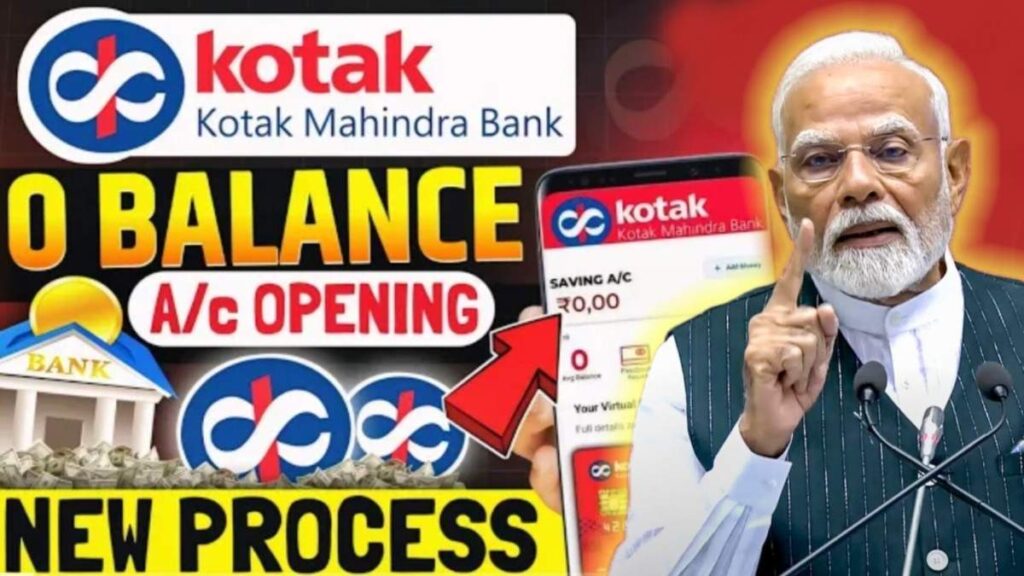
Kotak Mahindra Zero Balance Account Opening :If you also want to know how to open a zero balance account in Kotak Mahindra Bank, then in this Post I am going to tell you the latest process which you can follow to Kotak Mahindra Zero Balance Account Opening for yourself in Kotak Mahindra Bank.
Classic vs Super — Which Zero Balance Account Should You Choose?
Before I explain the process, you must know one thing. Kotak Mahindra Bank provides you two options under zero balance accounts:
The first is Classic and the second is Super.
So which one is better for you? Understand this first.
If you are someone who does not need a physical debit card, all your work happens online, and you want a zero balance account with zero charges, then you can go with the Classic account.
However, if you need a physical debit card for ATM cash withdrawals or to deposit cash at branches, then you should choose the Super account.
If you open a Super account, then every year ₹399 will be charged as the annual program fee. In Classic, these charges do not apply.
Benefits of the Super Account
Now you may think Classic is better.
But look — if you open a Super account, the debit card you get offers cashback of up to ₹6000 annually. Monthly, this is around ₹500 cashback.
Apart from this, the ATM cash withdrawal limit is higher, cash deposit limit is higher, and several more benefits are available, as shown on the screen.
Initial Deposit Requirements for Classic & Super
- Classic account: ₹2000 initial deposit
- Super account: ₹10,000 initial deposit
Step-by-Step Process to Open Kotak Zero Balance Account
First, visit the official Kotak Mahindra Bank website.
(You will find the link in the video description.)
After clicking the link, a screen will open where you must enter:
- Mobile number
- Email ID
- PIN code
After clicking “Open Account,” you will receive an OTP on your email. Verify it.
Then you will be asked to enter your PAN number, Aadhaar number, tick the checkbox and proceed to verify.
An OTP will be sent to the mobile number linked with your Aadhaar. Enter it to verify.
Fill in Personal Details
Some information will be auto-fetched from Aadhaar.
Below that, you must manually enter:
- Father’s name (as per PAN)
- Occupation
- Monthly income
- Major source of income
- Marital status
- Mother’s middle name (maiden name)
After filling the details, click Proceed.

Address Confirmation
You will see your Aadhaar-updated address on the screen.
If it is your current address, simply tick “Same as communication address.”
If not, you can update your new address manually.
Adding Nominee
Enter nominee details such as:
- Name
- Relationship
- Date of birth
- Address
If the nominee stays with you, tick the option given.
If you want to add a nominee later, you can also skip this step.
Select the Variant — Classic or Super
Choose which account you want to open.
Classic → ₹2000 deposit
Super → ₹10,000 deposit
You can deposit using PhonePe, Google Pay, Paytm, UPI, or QR code.
Account Details Displayed
After deposit, you will see:
- CRN (Customer Relationship Number)
- Account number
- IFSC code
- UPI ID
Complete KYC (Video KYC or Appointment)
Click “Complete KYC.”
Two options will appear:
- Video KYC
- Appointment booking
For Video KYC, you must upload:
- Original PAN card photo (on a white paper)
- Selfie
- Signature on white paper
Tick all checkboxes and click Agree & Proceed.
A Kotak executive will verify your identity in the live video call.
They may ask you to show your original PAN card and sign on white paper.
Once done, your account gets fully activated.
Login to Mobile App
Install the Kotak app from Google Play Store.
Enter your CRN and create your login.
The deposited ₹2000 or ₹10,000 will be visible in your account.
You can withdraw it immediately if you want.
Conclusion
So friends, this is the complete process to open a zero balance account in Kotak Mahindra Bank.
If you liked the video, like it, share it with friends, and subscribe to the channel.
नमस्कार दोस्तों। मेरा नाम Yash Patel है और में पिछले 4 सालो से आपको सही जानकारी दे रहा हूं,Vacancy Xyz का Owner भी हूं, और Writers भी हूं, मैं इस साइट में Job, News,Tech, Finance और Auto मोबाइल की जानकारी देता हूं,जिसका Educational and Awareness Purpose है।